Sugoi Toolkit and Sugoi 14B/32B

Edit User-Settings.json to point to your local instance (LM Studio: localhost:1234, oobabooga: localhost:5000 or Ollama: localhost:11434).
LM studio
lm_studio/<model name>, serverhttp://127.0.0.1:1234/v1and keysk-xxx.
Note 1:lm_studio/is absolutely required in the model_name string when loading a model,lm_studio/tells litellm which backend driver to use
Note 2:/v1absolutely required in api_server eghttp://127.0.0.1:1234/v1
Note 3: key also absolutely required to be written in api_key and not be left empty, with a real or fake key eg sk-xxx .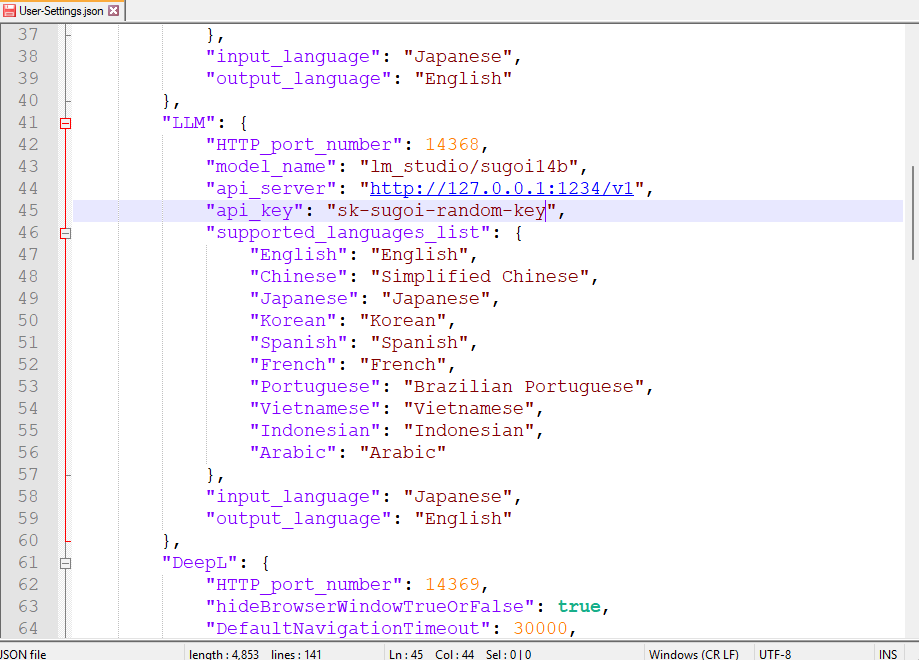
Oobabooga
oobabooga/model name, server http://127.0.0.1:5000 without any key.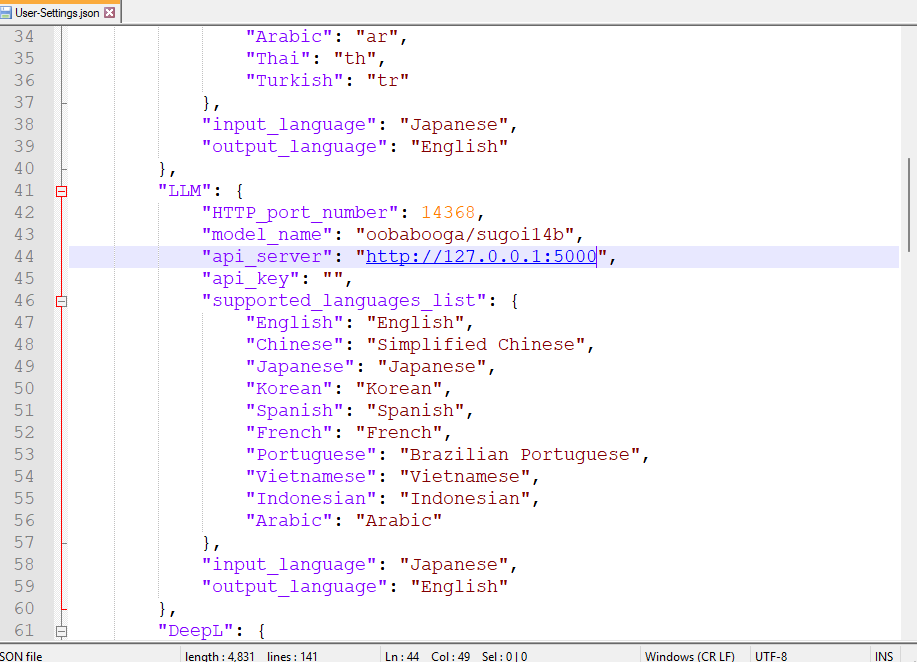
Ollama
ollama/model name, server http://127.0.0.1:11434 without any key.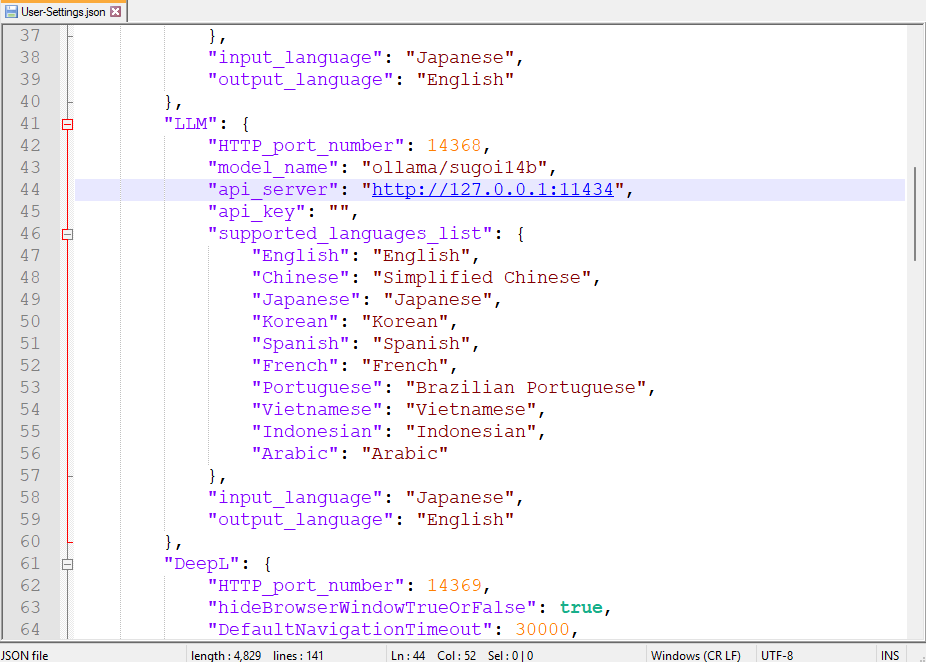
Note: Sugoi uses internal system prompt which optimized for cloud llm (Translation-API-Server/LLM/Translator.py). Might have accuracy hit on offline model.Run Sugoi Toolkit
- Open sugoi toolkit and click on Sugoi Translator LLM
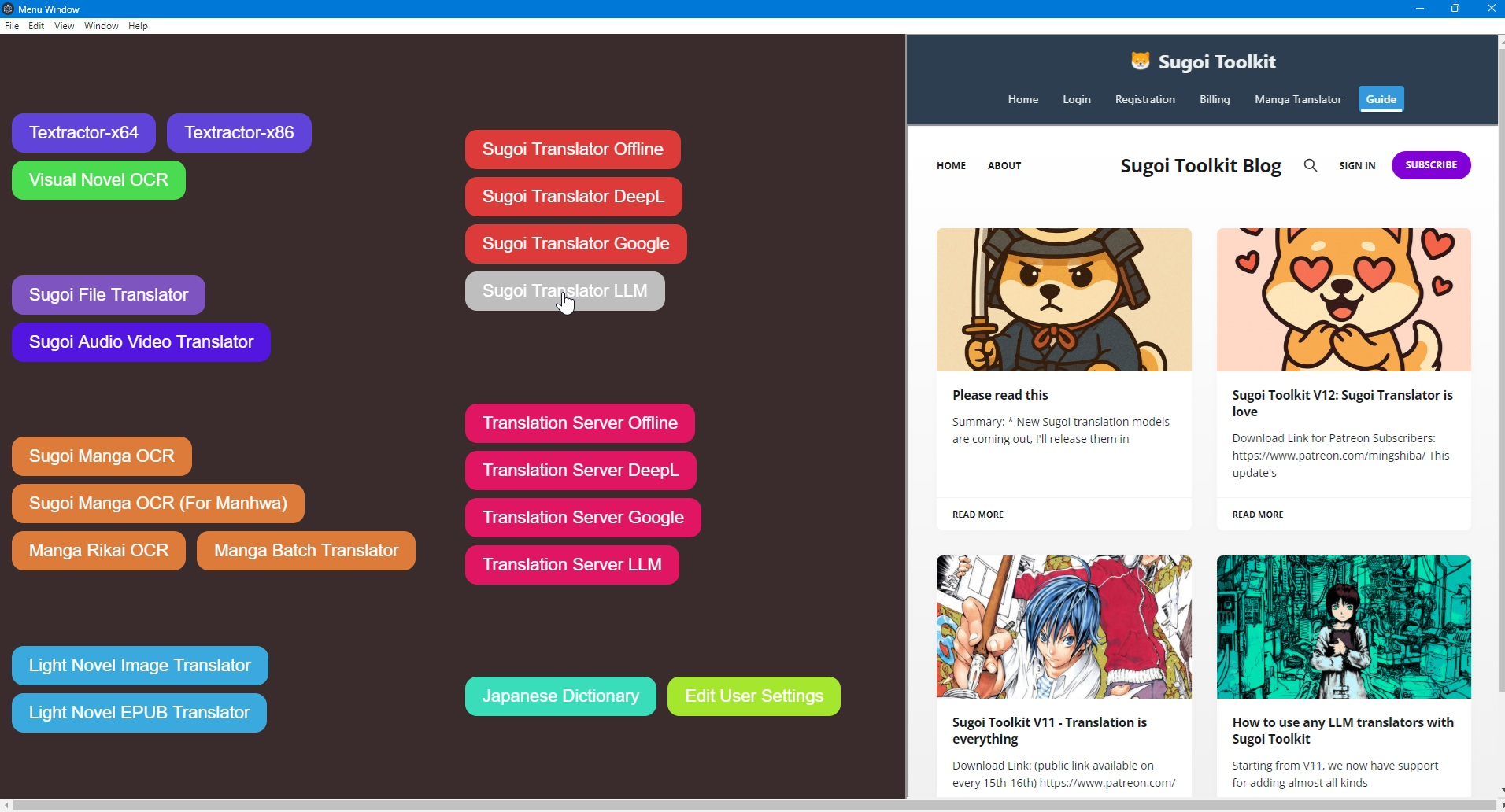
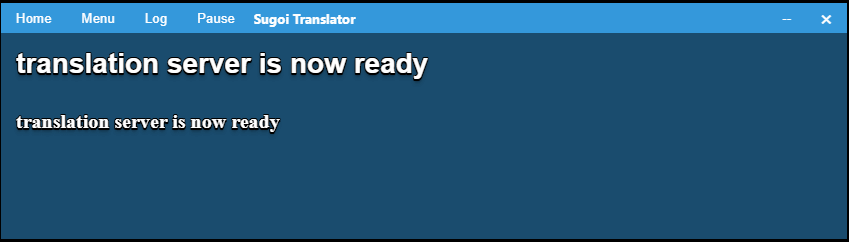
- Wait until the server is ready
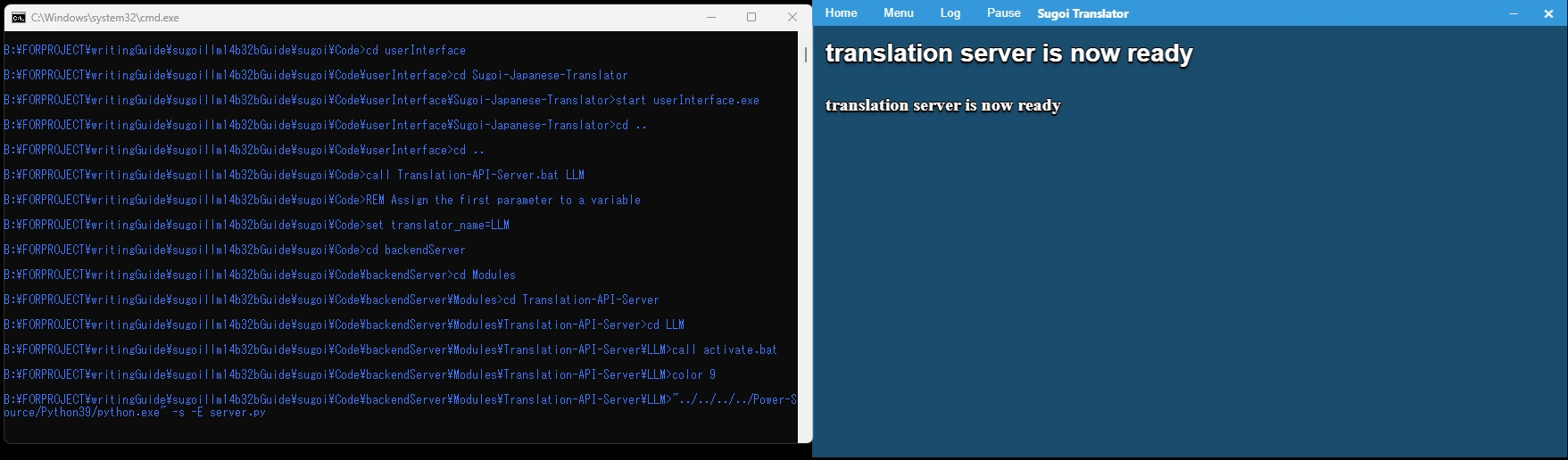
- Copy your text
Note: Streaming output currently unsupported by the Sugoi Japanese Translator frontend.